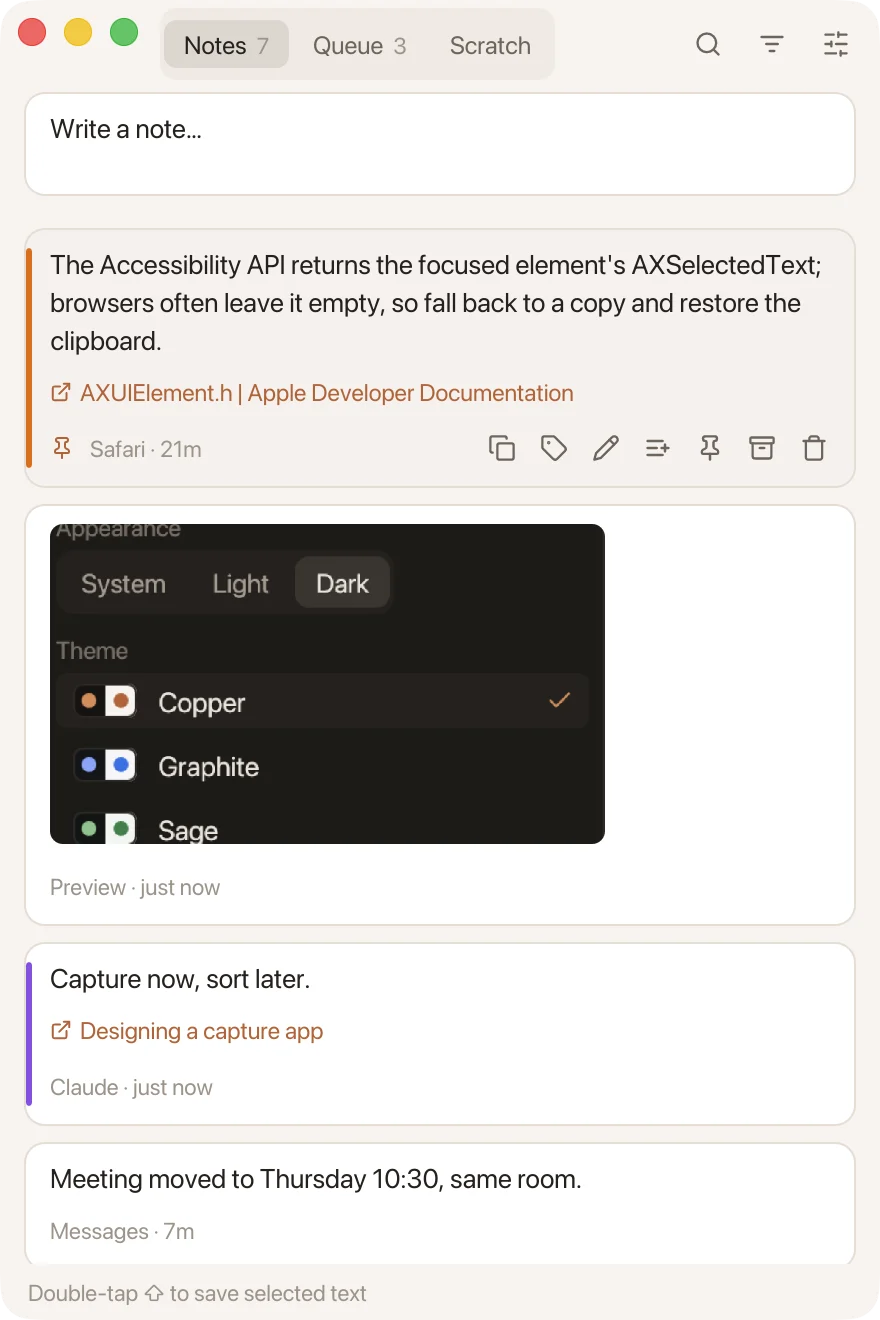
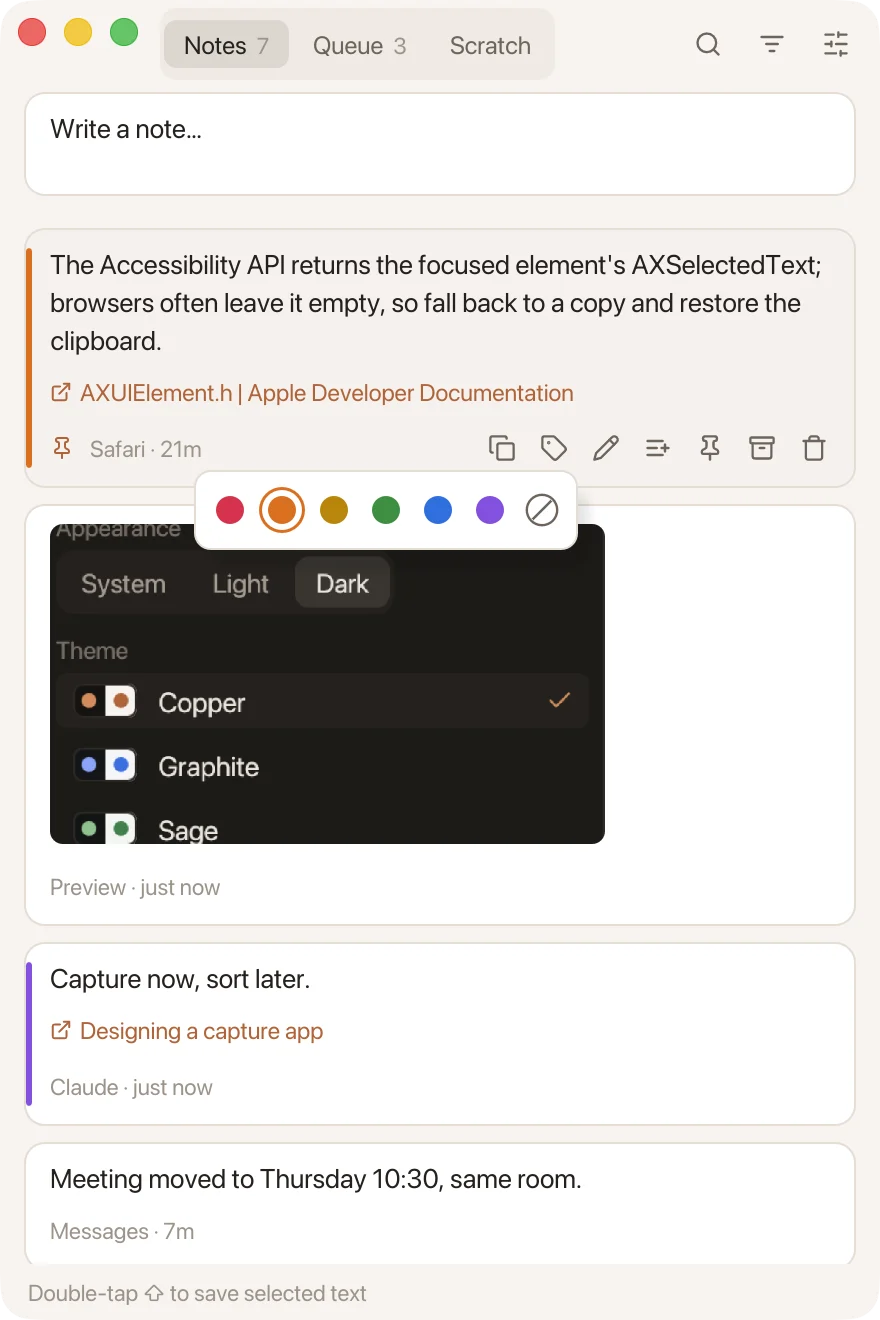
Browsers often leave AXSelectedText empty, so fall back to a copy and put the clipboard back.
Notes · 24m
CREATE INDEX CONCURRENTLY can't run inside a transaction block.
Claude · 1h
Double-tap Shift to save selected text
Try it here: select any text on this page, then tap Shift twice.
ZXCVBNM<,>.?/
The kits
rjot is a to-do list, a clipboard and a scratchpad, and it doesn't try to be more. Each kit comes with its own caps. Every view is the real app.
Base kit: Notes
6 caps
Every selection you keep lands here, newest first, with the app it came from, and the page when it came from a browser. Select an image and it's kept too. Pin what you need at the top and archive the rest.
Save the selection
Save a typed note
FSearch
Queue kit
7 caps
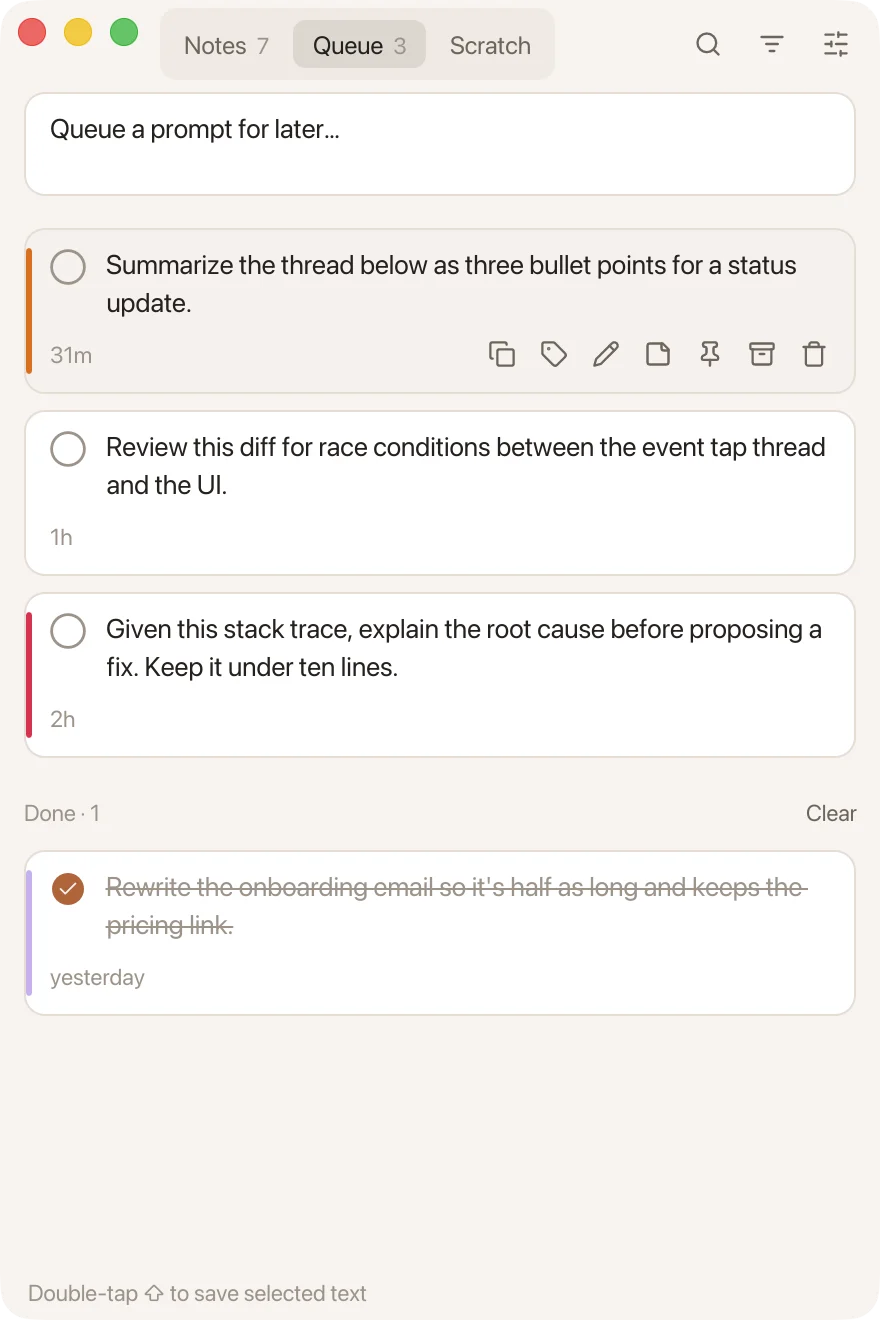
Write prompts before you need them. In ChatGPT, Claude or Cursor, press Option-Shift-V, pick one, and it's pasted in and checked off.
VPaste a prompt, anywhere
2The queue
3Scratch pad
Sensitive kit
4 caps
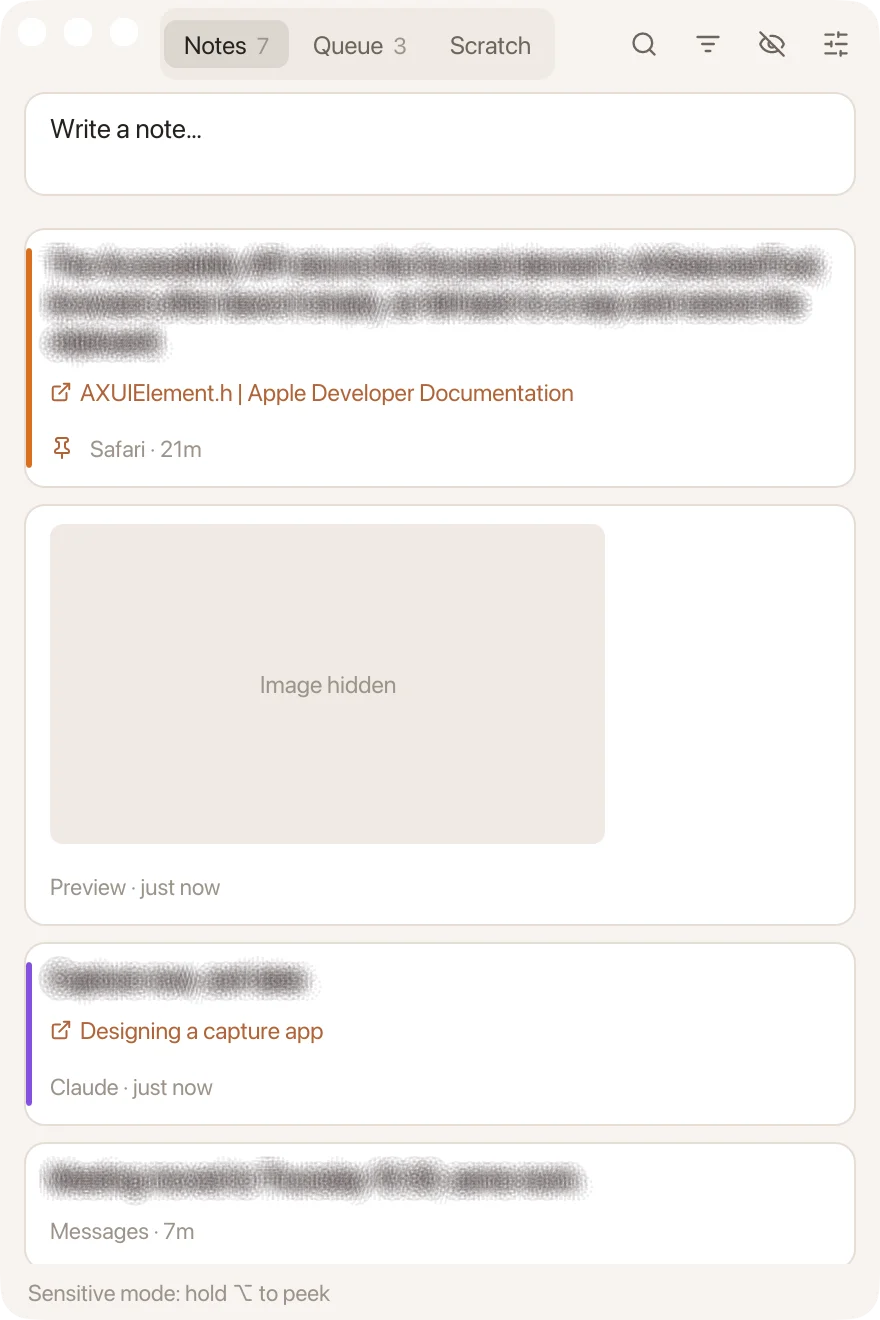
Note text blurs until you hold Option, and the window stays out of screenshots and screen sharing. Copies a password manager marks as secret are never saved.
SSensitive mode
Hold to peek
Novelties: color labels
6 caps
Six labels for anything you want to find again. Tag a note from its card, then filter the list to one color.
RedOrangeYellowGreenBluePurple
Colorways
6 themes · 12 colorways
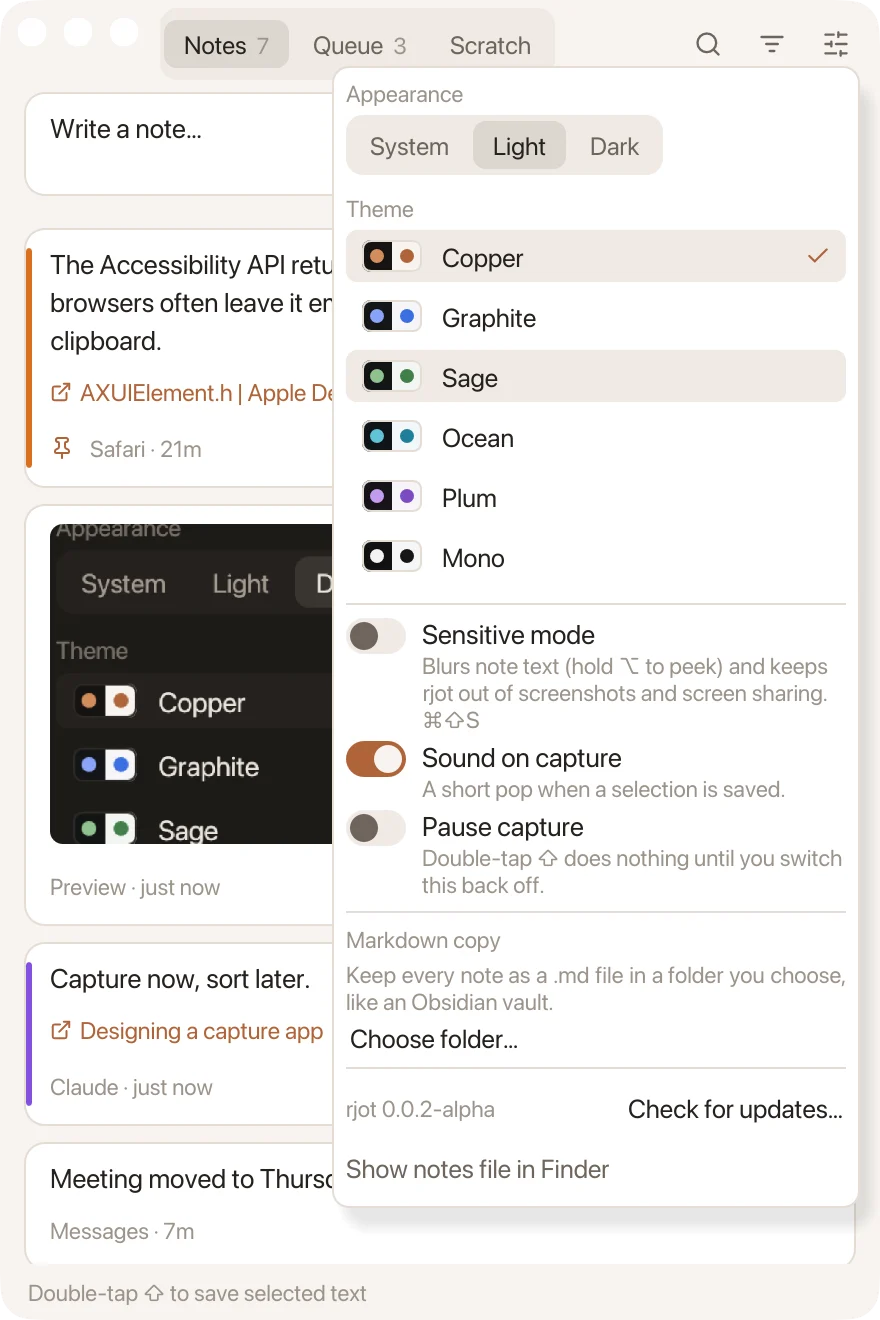
Follow your Mac's appearance, or pick one and keep it.
Copper
Graphite
Sage
Ocean
Plum
Mono
Specifications
What it is, what it reads, and where your notes go.
Gesture
Two taps of Shift alone, under 350 ms apart
Reads
The focused app's selected text through Accessibility; otherwise C, with your clipboard put back exactly
Keeps
One JSON file, ~/Library/Application Support/dev.rjot.rjot/notes.json
Sends
Nothing on its own. No account, no sync, no analytics; it asks GitHub for a newer version only when you click Check for updates
Copies
Optionally, every note as a Markdown file in a folder you choose, such as an Obsidian vault
Lives in
The menu bar too: recent captures, quick note, pause, launch at login
Skips
Copies a password manager marks as concealed
Runs on
macOS 11 or later, Apple silicon
Writes
Any language, Khmer included: shaped properly, with subscripts stacked and vowels in place
Weighs
5.2 MB zipped
Built with
Rust and egui, one native binary
License
MIT, source on GitHub
Assembly
1
Install
Paste this into Terminal. It downloads the latest release, checks its SHA-256, puts rjot.app in Applications, clears the quarantine flag and opens it. Run it again to update.
curl -fsSL https://raw.githubusercontent.com/yoouTaro/rjot/main/install.sh | sh
2
Allow Accessibility
Click Open System Settings in rjot and switch it on. That lets it hear Shift and read the selection.
3
Tap Shift twice
Select something anywhere. A short pop means it's kept.